In today’s digital environment, speed is critical to user satisfaction, potential customer acquisition, and search engine results. Even a one-second delay can significantly decrease conversions.
Optimising your website’s speed and performance is critical for keeping visitors engaged and assuring peak performance.

And here is how we can do it:
1. Optimise Your Images
Images often take the longest to load, but there are ways to speed them up. Start by compressing your images using tools like TinyPNG or ImageOptim. Choose the right format—JPEGs are great for detailed photos, while PNGs work best for images with transparency. And don’t forget lazy loading, which ensures images only load when they’re about to be viewed, giving your initial load time a big boost.
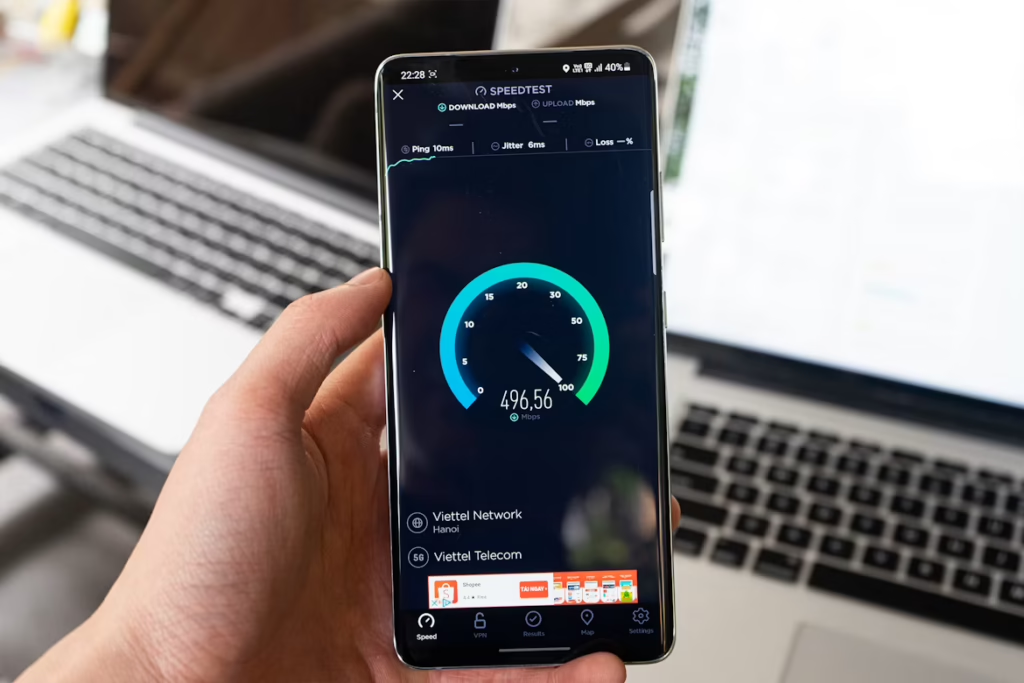
2. Leverage Browser Caching
Browser caching is a lifesaver. It allows parts of your website, like images, CSS, and JavaScript files, to be stored in a user’s browser, so they load faster on their next visit. By setting expiration dates on your cache and using a Content Delivery Network (CDN), you can localise cached files and speed up delivery even more.
3. Minimise CSS, JavaScript, and HTML
Every extra bit of code can slow your site down, so trimming the fat is essential. Use tools like UglifyJS, CSSNano, and HTMLMinifier to strip out unnecessary characters, spaces, and comments from your files. You can also combine multiple files into one to reduce the number of HTTP requests your site makes, which speeds things up.
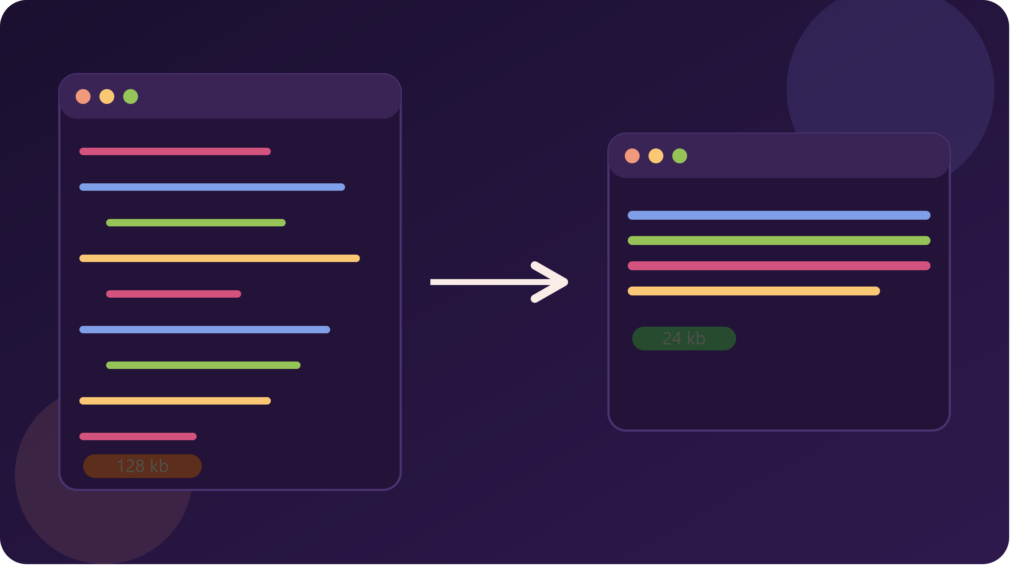
4. Enable GZIP Compression
GZIP compression is like putting your web files on a diet. It shrinks files like HTML, CSS, and JavaScript before they’re sent to the browser, reducing the time it takes to load them. It’s an easy win for faster site performance.